
How Do Username Changes Work?
How Do Username Changes Work?
Your username helps identify your Hydistro account.
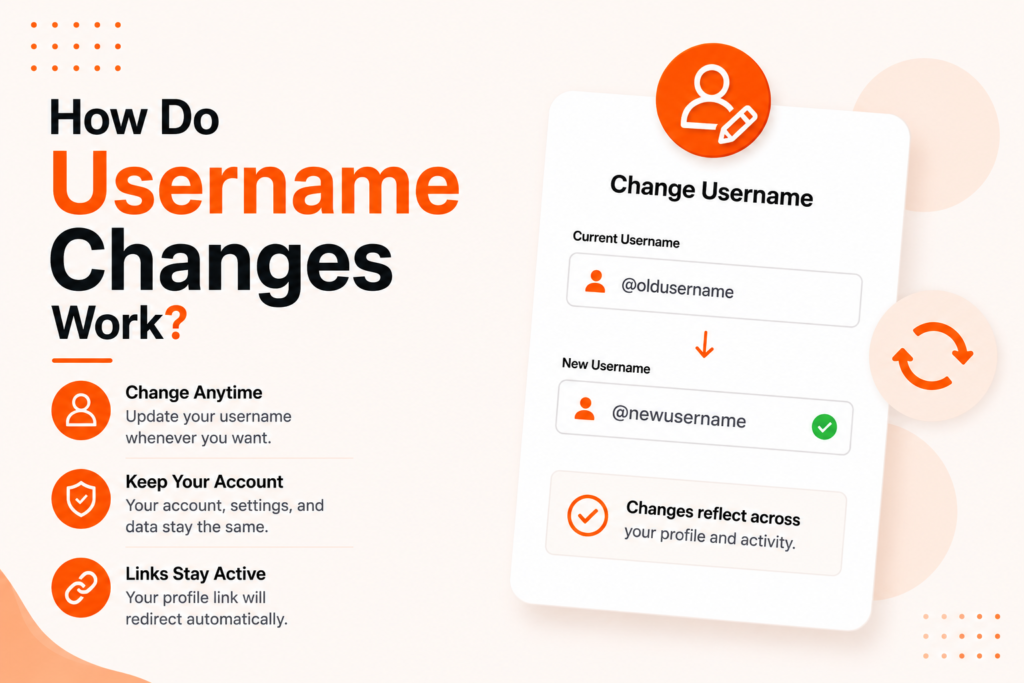
You can update your username after account creation, but changes are limited to protect account consistency and reduce confusion.
Your username is different from your display name.
Username vs Display Name
These are not the same thing.
Username
Your username is your account identifier.
It may be used across areas such as:
- Account identification
- Login and account references
- Internal platform references
- Public profile areas where supported
Display Name
Your display name is the name shown to people.
Display names are designed for presentation and visibility.
Changing one does not automatically change the other.
For details see:
What Is the Difference Between Username and Display Name?
Can I Change My Username?
Yes.
Hydistro allows username updates after account creation.
However, changes are restricted.
Current rule:
- Username can only be changed once every 14 days
This rule applies even if the previous username was changed recently.
How To Change Your Username
Login to your dashboard.
Open:
Settings → Account
Locate:
Username
Enter your new username and confirm.
Once saved, your update becomes active.
Why Username Changes Are Limited
Username limits help:
- Keep account identity consistent
- Prevent impersonation
- Reduce confusion
- Protect account history
Choose carefully before saving.
What Happens After Changing Username?
After updating:
- Your account keeps the same ownership
- Your releases remain unchanged
- Earnings remain unchanged
- Subscription remains unchanged
- Dashboard access remains unchanged
Only your username updates.
I Cannot Change My Username
You may be unable to update if:
- You changed username recently
- The 14-day waiting period is active
- The username is unavailable
- The format is not accepted
If needed:
Try again after the waiting period ends.
Does Username Affect My Artist Name?
Not necessarily.
Artist identity and account username are completely separate.
See:
Can I Change My Username by Changing My Email?
No.
Email updates and username updates are independent.
See:
How Do I Change My Account Email?
Security Recommendations
Avoid usernames that:
- Expose sensitive information
- Impersonate brands
- Are difficult to remember
For account protection see:
How Can I Keep My Account Secure?
Frequently Asked Questions
Can I change my username anytime?
No. Username changes are limited.
How often can username change?
Once every 14 days.
Does changing username affect releases?
No.
Is username the same as display name?
No.
See:
What Is the Difference Between Username and Display Name?
Does changing username affect billing?
No.
Choose a username you can keep long term.
Was this article helpful?
Let us know so we can improve our documentation.
Submit a Ticket →
We're ready and waiting 24/7 to answer your questions and solve your problems.
Need help right now?
We're always here for you.